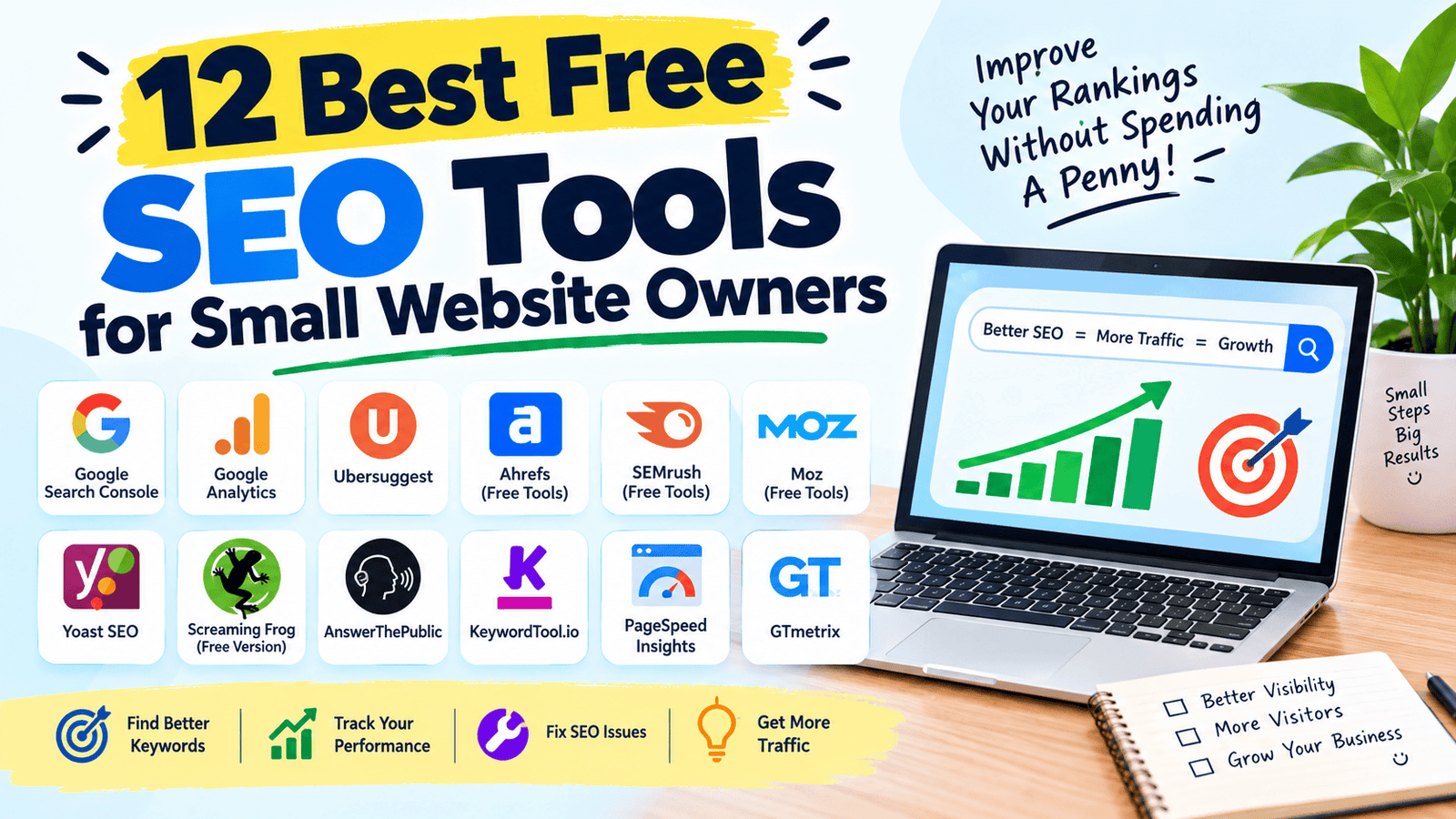
Ranking on Google feels like guesswork when you’re running a small site without a marketing budget. Paid SEO suites like Ahrefs or SEMrush are powerful, but they’re often overkill — and overpriced — for someone managing a single blog or a small business website.
I manage a couple of small sites myself, and the truth is you can get surprisingly far with free tools if you know which ones actually pull their weight. Below are 12 free SEO tools worth using, what each one is genuinely good for, and how to build a simple free workflow instead of paying for a suite you’ll barely use.
What is an SEO Tool?
An SEO tool helps you research keywords, analyze your site’s performance, or identify technical issues that affect how well your pages rank on search engines. Some focus on keyword research, others on site audits, and some on tracking your existing rankings over time.
For example, instead of guessing which keyword to target in a blog post, a keyword research tool shows you search volume and competition, so you can pick a term people are actually searching for.
Why Free SEO Tools Matter in 2026
Current Trend or Statistic
Search engines have grown more sophisticated about rewarding genuinely useful content over keyword-stuffed pages, which means small sites now compete more on quality and relevance than on raw budget. Free SEO tools have kept pace, offering enough functionality for small site owners to compete without needing an enterprise-level subscription.
Who Benefits and How
- Bloggers find realistic keyword opportunities without competing for impossible terms.
- Small business owners fix technical SEO issues that quietly hurt their rankings.
- Freelancers offer basic SEO audits to clients without expensive software costs.
- Anyone starting a new site builds good SEO habits early without a big financial commitment.
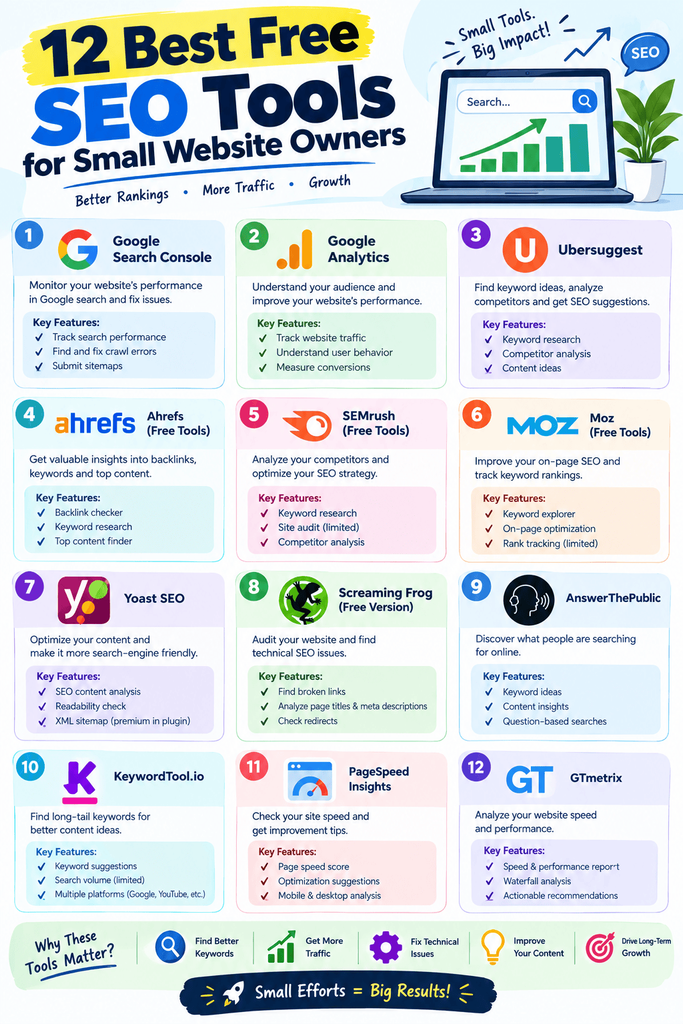
Best Free SEO Tools (Reviewed)
1. Google Search Console
Features: Tracks how your site performs in Google search, flags indexing issues. Pros: Direct data from Google itself — the most accurate source available. Cons: Interface takes some getting used to for beginners. Price: Free. Best for: Monitoring real search performance and fixing indexing problems.
2. Google Analytics
Features: Tracks traffic sources, user behavior, and conversion data. Pros: Deep insight into where your visitors actually come from. Cons: Can feel overwhelming with so many reports available. Price: Free. Best for: Understanding traffic patterns and user behavior on your site.
3. Ubersuggest
Features: Keyword research, content ideas, and basic site audits. Pros: Beginner-friendly with a genuinely useful free daily limit. Cons: Deeper competitive analysis requires a paid plan. Price: Free tier available. Best for: Quick keyword research for blog topics.
4. AnswerThePublic
Features: Visualizes common questions people search around a keyword. Pros: Great for generating content ideas based on real search behavior. Cons: Free searches per day are limited. Price: Free tier available. Best for: Brainstorming blog topics and FAQ sections.
5. Yoast SEO (WordPress Plugin)
Features: On-page SEO scoring, readability checks, and meta tag management. Pros: Integrates directly into WordPress, guiding you as you write. Cons: Advanced features like internal linking suggestions need the premium version. Price: Free. Best for: WordPress users optimizing individual posts as they publish.
6. Google Keyword Planner
Features: Keyword search volume and competition data, originally built for Google Ads. Pros: Reliable volume data straight from Google. Cons: Some data ranges are broader unless you’re running active ad campaigns. Price: Free (requires a Google Ads account). Best for: Cross-checking keyword volume from Ubersuggest or other tools.
7. Screaming Frog SEO Spider
Features: Crawls your site to find broken links, duplicate content, and missing meta tags. Pros: Extremely thorough technical audit for a free tool. Cons: Free version limits crawls to 500 URLs. Price: Free tier available. Best for: Technical SEO audits on small to medium-sized sites.
8. PageSpeed Insights
Features: Analyzes page load speed and Core Web Vitals. Pros: Gives specific, actionable recommendations to improve speed. Cons: Some fixes suggested require developer-level changes. Price: Free. Best for: Diagnosing why a page loads slowly and what’s causing it.
9. Bing Webmaster Tools
Features: Similar to Google Search Console but for Bing’s search engine. Pros: Often overlooked, but Bing still drives meaningful traffic for many niches. Cons: Smaller user base means less attention than Google Search Console. Price: Free. Best for: Capturing additional traffic from Bing and Yahoo searches.
10. AlsoAsked
Features: Maps out related questions people ask around a topic. Pros: Useful for building out comprehensive FAQ sections. Cons: Free tier limits the number of searches per day. Price: Free tier available. Best for: Expanding content to cover related search intent.
11. Google Trends
Features: Shows how search interest for a topic changes over time. Pros: Helps time content around seasonal or rising trends. Cons: Doesn’t provide exact search volume numbers. Price: Free. Best for: Spotting rising topics before they peak in competition.
12. GTmetrix
Features: Detailed site speed analysis with a visual breakdown of load times. Pros: More detailed waterfall charts than PageSpeed Insights alone. Cons: Free tier limits test locations and frequency. Price: Free tier available. Best for: Deep-diving into specific site speed bottlenecks.
How to Choose the Right Tool
Factor 1: What stage is your SEO at?
New sites benefit most from keyword research tools like Ubersuggest, while established sites benefit more from technical audits using Screaming Frog or PageSpeed Insights.
Factor 2: Daily/monthly free limits
Many of these tools cap free usage. Plan your research sessions around those limits rather than assuming unlimited access.
Step-by-Step: How to Do Basic SEO with Free Tools
Step 1: Research keywords with real search volume
Use Ubersuggest or Google Keyword Planner to find terms people are actually searching for.
Step 2: Optimize on-page elements
Use Yoast SEO or a similar plugin to check titles, meta descriptions, and readability as you write.
Step 3: Monitor performance and fix issues
Check Google Search Console regularly for indexing problems and track which pages are gaining traction.
Comparison Table
| Tool | Price | Best Feature | Rating |
|---|---|---|---|
| Google Search Console | Free | Direct search performance data | 4.8/5 |
| Ubersuggest | Free / Paid | Beginner keyword research | 4.4/5 |
| Yoast SEO | Free / Paid | On-page optimization guidance | 4.5/5 |
| Screaming Frog | Free / Paid | Technical site audits | 4.5/5 |
| PageSpeed Insights | Free | Site speed diagnostics | 4.6/5 |
| Google Trends | Free | Spotting rising topics | 4.4/5 |
Common Mistakes to Avoid
- Targeting keywords with impossible competition. Small sites should look for lower-competition, specific long-tail keywords rather than broad, high-volume terms.
- Ignoring technical SEO. Great content on a slow, poorly indexed site still won’t rank well — fix the technical basics first.
- Only checking rankings, never traffic quality. A ranking that doesn’t convert or match search intent isn’t as valuable as it looks.
Pros and Cons Summary
Pros: Covers keyword research, technical audits, and performance tracking without any cost, and most tools are reliable enough for real use. Cons: Free tiers often cap daily usage, and deeper competitive analysis usually requires a paid tool eventually.
Conclusion
You don’t need an expensive SEO suite to compete as a small site owner. The 12 free tools above cover keyword research, on-page optimization, technical audits, and performance tracking — everything most small sites actually need. Start with Google Search Console and Yoast SEO, then layer in the others as your site grows.