Ever stayed up until 2 a.m. rewriting the same paragraph of a history essay, only to still feel unsure if it made sense? You’re not alone. Between juggling lectures, part-time jobs, and a social life that barely exists during exam season, most students are running on fumes by midterms. The good news is that AI tools have quietly become one of the best “extra hours in the day” a student can get — if you know which ones are actually worth your time.
This article walks through ten AI tools that genuinely help you study smarter instead of just working longer. We’ll cover what each one does, who it’s best for, what it costs, and a few honest downsides so you don’t waste your semester on the wrong app.
What Are AI Study Tools?
AI study tools are apps or platforms that use artificial intelligence — usually large language models, speech recognition, or machine learning algorithms — to help with tasks like summarizing readings, generating practice questions, organizing notes, or explaining concepts in plain language.
For example, instead of spending an hour condensing a 40-page research paper into study notes, a tool like Notion AI can pull out the key arguments in under a minute, leaving you more time to actually understand the material rather than just transcribe it.
Why AI Study Tools Matter in 2026
A Shift in How Students Actually Learn
Traditional study methods — highlighting textbooks, rewriting notes by hand — still work, but they’re time-expensive. AI tools compress the “grunt work” of studying (organizing, summarizing, quizzing yourself) so more of your limited time goes toward actual comprehension and practice. Universities have also caught up: many now teach AI literacy directly, treating tools like ChatGPT or Perplexity as calculators for the writing and research era rather than something to hide.
Who Benefits Most
Students with heavy reading loads (law, medicine, humanities) benefit from summarization tools. STEM students lean more on tools that solve and explain equations step by step. Students with ADHD or those who struggle with traditional note-taking often see the biggest jump in productivity, since AI removes a lot of the friction around getting started.
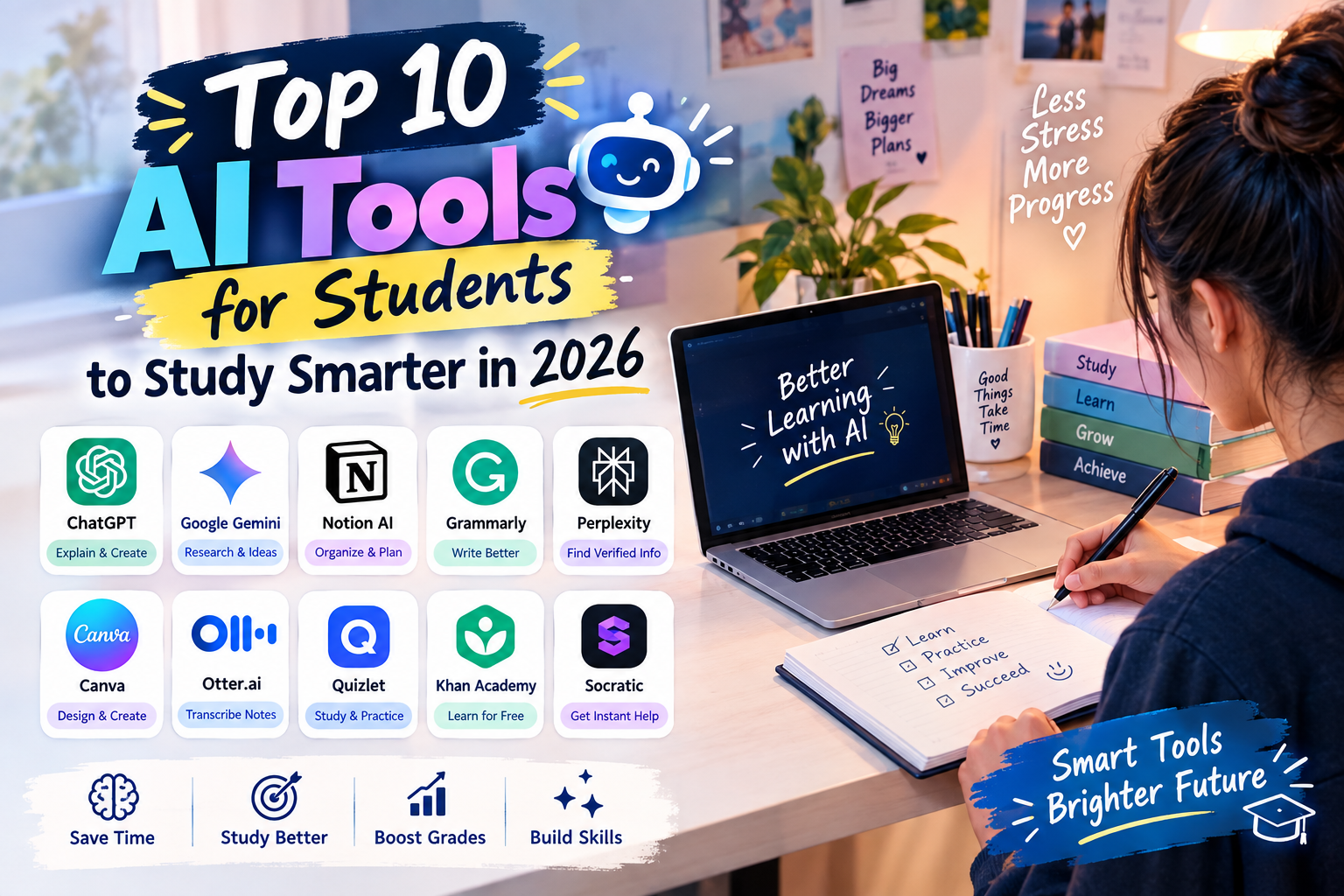
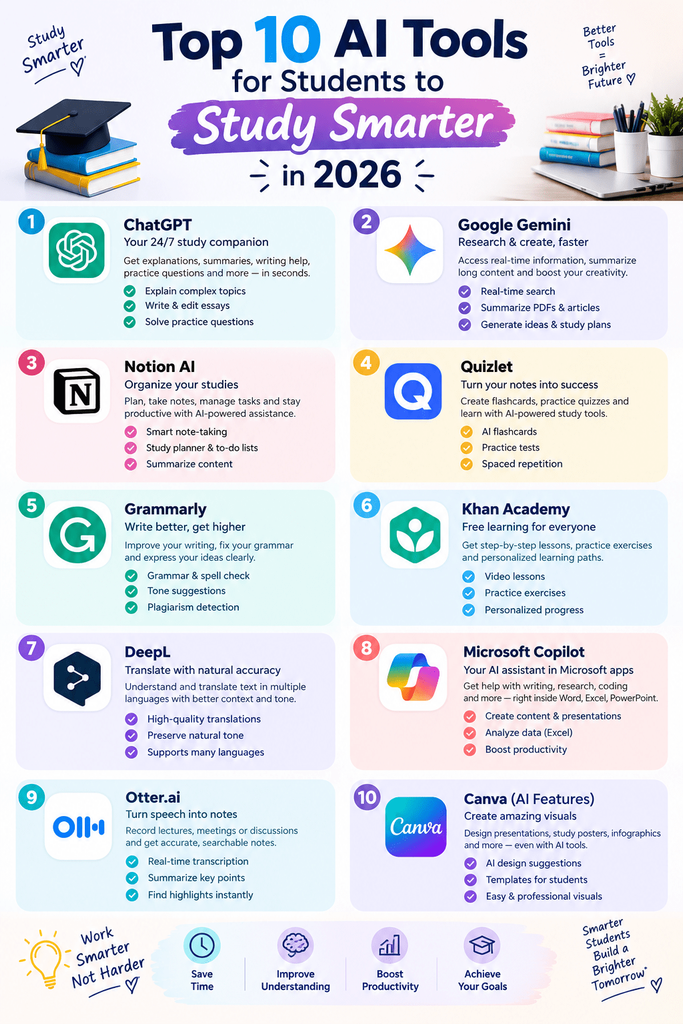
Best AI Tools for Students (Reviewed)
1. ChatGPT (OpenAI)
Features: Explains concepts in plain language, helps outline essays, generates practice questions, works as a study partner via voice mode.
Pros: Extremely versatile, good for almost any subject, free tier available.
Cons: Can occasionally give confidently wrong answers — always double-check facts and citations.
Price: Free tier; Plus starts around $20/month.
Best for: General-purpose studying, brainstorming, and explaining tricky concepts.
2. Notion AI
Features: Summarizes long documents, auto-generates study notes and action items, integrates directly into your existing notes and class planners.
Pros: Keeps everything — notes, deadlines, and AI summaries — in one workspace.
Cons: Steeper learning curve if you’re new to Notion itself.
Price: Free for students with education verification; AI add-on is paid separately.
Best for: Students who already organize their semester in Notion.
3. Quizlet
Features: AI-generated flashcards and practice tests from your own notes, spaced-repetition learning mode.
Pros: Fast to set up, huge existing library of shared study sets.
Cons: Free version limits some AI features.
Price: Free; Plus is roughly $7.99/month.
Best for: Memorization-heavy subjects like vocabulary, anatomy, or law terms.
4. Anki
Features: Spaced-repetition flashcard system, with community-built AI plugins that auto-generate cards from PDFs or lecture slides.
Pros: Scientifically proven method for long-term retention, completely free on desktop.
Cons: Interface feels dated; mobile app isn’t free on iOS.
Price: Free (desktop/Android); one-time fee on iOS.
Best for: Med, nursing, and language students who need long-term recall.
5. Grammarly
Features: AI-powered grammar, tone, and clarity checking, plus a plagiarism checker for essays.
Pros: Works across almost every app — Docs, Word, browser, email.
Cons: Premium features (tone rewrites, plagiarism check) are behind a paywall.
Price: Free tier; Premium around $12/month (often discounted for students).
Best for: Polishing essays and emails before submission.
6. Otter.ai
Features: Real-time lecture transcription, auto-generated summaries, and searchable transcripts.
Pros: Never miss a detail from a fast-talking professor again.
Cons: Accuracy drops with heavy accents or poor audio.
Price: Free tier (limited minutes); paid plans from about $10/month.
Best for: Students who learn better by reviewing lectures than re-reading notes.
7. Wolfram Alpha
Features: Solves and explains math, physics, and chemistry problems step by step rather than just giving the final answer.
Pros: Shows the actual working, which helps you learn the method, not just the answer.
Cons: Step-by-step solutions require a paid subscription.
Price: Free basic answers; Pro around $7.25/month for students.
Best for: Calculus, statistics, and engineering coursework.
8. Perplexity AI
Features: AI-powered search engine that answers questions with cited sources, useful for research papers.
Pros: Citations make it easier to fact-check and build a bibliography.
Cons: Best used as a starting point — always verify sources directly for academic work.
Price: Free tier; Pro around $20/month.
Best for: Research-heavy assignments and literature reviews.
9. Khanmigo (by Khan Academy)
Features: AI tutor built specifically for students, designed to guide you toward answers with Socratic-style questioning rather than just handing them over.
Pros: Built with academic integrity in mind — it nudges rather than answers outright.
Cons: Currently more focused on K-12 and early college subjects.
Price: Often free or low-cost through school/district partnerships.
Best for: Students who want tutoring-style support without the plagiarism risk.
10. ElevenLabs (Text-to-Speech)
Features: Converts dense readings or your own notes into natural-sounding audio you can listen to on the move.
Pros: Great for auditory learners or turning commute time into study time.
Cons: Free tier has a monthly character limit.
Price: Free tier; paid plans start around $5/month.
Best for: Turning long readings into “podcast-style” review sessions.
How to Choose the Right Tool
Factor 1: Your Study Style
If you’re a visual learner, lean toward summarization and note tools like Notion AI. If you learn by listening, prioritize Otter.ai or ElevenLabs. If repetition is what sticks for you, Anki or Quizlet will do more for your grades than a general chatbot.
Factor 2: Your Budget and School Policy
Many of these tools offer free education plans, so it’s worth checking your school email eligibility before paying full price. Just as important: check your university’s academic integrity policy on AI use before submitting AI-assisted writing — policies vary a lot by school and even by professor.
Step-by-Step: How to Build an AI Study Routine
Step 1: Capture
Use Otter.ai or your phone’s voice memo app during lectures so nothing gets lost, especially in fast-paced classes.
Step 2: Organize
Feed your notes into Notion AI or a similar summarizer to pull out key points and turn them into a study outline.
Step 3: Practice and Retain
Convert those key points into flashcards using Quizlet or Anki, and use spaced repetition in the days leading up to an exam rather than cramming the night before.
Comparison Table
| Tool | Price | Best Feature | Rating |
|---|---|---|---|
| ChatGPT | Free / $20/mo | Concept explanations | 4.7/5 |
| Notion AI | Free (edu) / paid add-on | Note summarization | 4.5/5 |
| Quizlet | Free / $7.99/mo | AI flashcards | 4.6/5 |
| Anki | Free / one-time iOS fee | Spaced repetition | 4.4/5 |
| Grammarly | Free / $12/mo | Writing polish | 4.6/5 |
| Otter.ai | Free / $10/mo | Lecture transcription | 4.3/5 |
| Wolfram Alpha | Free / $7.25/mo | Step-by-step math | 4.5/5 |
| Perplexity AI | Free / $20/mo | Cited research answers | 4.4/5 |
| Khanmigo | Free/low-cost via schools | Guided tutoring | 4.3/5 |
| ElevenLabs | Free / $5/mo | Text-to-speech | 4.2/5 |
Common Mistakes to Avoid
- Treating AI answers as final truth. Always cross-check facts, especially for citations, dates, and statistics.
- Skipping your school’s AI policy. Submitting AI-written work where it’s not allowed can lead to academic penalties.
- Over-relying on one tool. Combining a note tool, a flashcard tool, and a writing checker gets far better results than using just one app for everything.
- Ignoring free education plans. A lot of students pay full price without checking if their .edu email unlocks a discount.
Pros and Cons Summary
Pros: Saves hours on note-taking and organizing, improves retention through smarter repetition, makes research and writing feedback instantly accessible, works around your schedule instead of the other way around.
Cons: Risk of over-reliance if used to skip actual learning, potential academic integrity issues if misused, subscription costs can add up if you’re not using free/edu tiers, accuracy still needs human double-checking.
Conclusion
AI study tools won’t do the learning for you, but used well, they cut out the busywork so you can spend more time actually understanding your material. Start small — pick one tool for note-taking, one for practice, and one for writing feedback — and build from there. Try one of the tools above this week and see how much time you actually get back before your next exam.