You’ve picked a business name, maybe even bought the domain, and now you’re staring at a blank canvas trying to figure out a logo. Hiring a designer can run anywhere from a few hundred to a few thousand dollars — money most new business owners would rather put toward inventory, ads, or just staying afloat. That’s exactly the gap free and low-cost logo makers fill.
The catch is that “free” means different things depending on the tool. Some let you design and download for nothing. Others let you design for free but charge the moment you want to actually save the file. In this guide, I’m walking through the best logo maker tools for small businesses, what’s genuinely free versus what’s a paywall in disguise, and how to pick the right one for your brand.
What Is a Logo Maker Tool?
A logo maker is software that lets you design a logo without hiring a graphic designer, usually by picking a style, entering your business name, and customizing icons, fonts, and colors from a template library. Many modern tools now use AI to generate a first draft based on a short description of your business.
For example, a home bakery owner might type “cozy, handmade, warm colors” into an AI logo generator and get back a dozen logo concepts featuring wheat icons, rolling pins, or hand-lettered script fonts — then tweak the one they like best.
Why a Good Logo Matters in 2026
First Impressions Happen Fast
Your logo shows up everywhere before a customer reads a single word of your website — the favicon in their browser tab, your social media profile picture, the header on your invoices. A cluttered or generic-looking logo quietly undercuts trust before you’ve said anything about your product.
Who Benefits Most From DIY Logo Tools
- Solopreneurs and freelancers who need a professional look without a design budget
- Startups validating an idea who don’t want to over-invest before they know the business will stick
- Small local businesses — cafes, salons, tradespeople — needing a logo for signage and social media fast
- Nonprofits and community groups working with limited or no marketing budget
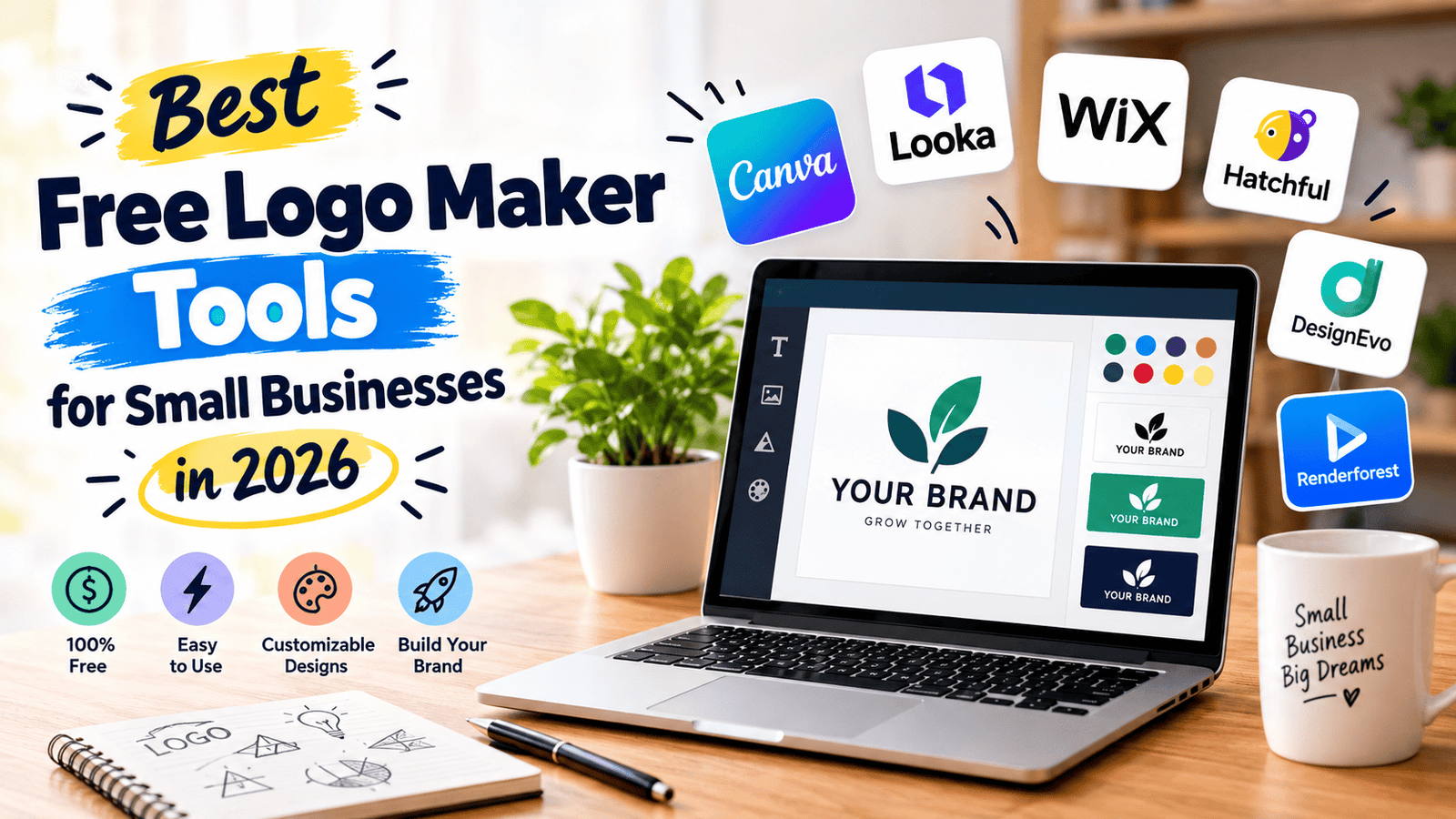
Best Free Logo Maker Tools (Reviewed)
1. Canva
Price: Free plan available; Canva Pro around $10–15/month (billed annually) Canva isn’t a dedicated logo tool, but its logo maker is genuinely one of the best free entry points because the free plan is actually usable, not just a teaser. You get thousands of templates and can export a basic PNG at no cost.
- Pros: Free plan lets you design and download; huge template library; doubles as a full design platform for social posts, business cards, and more
- Cons: SVG (vector) export requires Canva Pro; many templates are widely used, so your logo can end up looking similar to others
- Best for: Business owners who also want one tool for all their other marketing graphics
2. Looka
Price: Free to design; downloads start around $20 for a basic PNG, up to ~$65–96 for full brand kits Looka (formerly Logojoy) uses AI to generate logo concepts based on your industry and style preferences, and in my experience the first batch of results is usually stronger than most competitors’ starting point.
- Pros: Strong AI-generated starting concepts; brand kit option bundles social templates, business cards, and style guides
- Cons: You can’t download anything — not even a low-res file — without paying
- Best for: Businesses that want a more polished, custom-feeling result and are willing to pay a small one-time fee
3. Hatchful (by Shopify)
Price: Completely free Hatchful is Shopify’s free logo generator, aimed squarely at e-commerce sellers who need something fast without any budget at all.
- Pros: 100% free, including downloads; quick style-based generator; no account required for some steps
- Cons: Customization is fairly basic; some users report occasional bugs with downloads
- Best for: New online sellers who need a functional logo today, not a polished brand identity
4. Namecheap Logo Maker
Price: Free, including both PNG and vector downloads This one stands out because it gives away vector files (SVG) at no cost, which most competitors charge for. It’s a lesser-known tool, but it punches above its weight for a zero-cost option.
- Pros: Free PNG and SVG downloads, no watermark, no account needed
- Cons: Smaller template and icon library than Canva or Looka
- Best for: Anyone who specifically needs a free vector file for printing signage, apparel, or packaging
5. Adobe Express
Price: Free plan available; paid plan starts around $5–10/month Adobe Express brings a lot of Adobe’s design polish into a simplified, drag-and-drop editor. It’s a strong middle ground if you want more editing depth than Canva without needing full Photoshop skills.
- Pros: Smooth, responsive editor; large font and template selection; easy to make text-arc and gradient adjustments
- Cons: Some premium templates and elements are locked behind the paid tier
- Best for: Business owners who want more fine-tuned control over their design than basic template editors allow
6. Wix Logo Maker
Price: Free to use and edit indefinitely; downloads and commercial use require a paid plan Wix’s tool is generous with editing time — you can keep tweaking your design for as long as you want without paying, which is rare.
- Pros: Unlimited free editing; ties in neatly if you’re already building your website on Wix
- Cons: You’ll eventually need to pay to actually use the logo commercially
- Best for: Business owners already using Wix for their website who don’t mind bundling the cost
7. Squarespace Logo Maker
Price: Completely free, including high-resolution downloads Squarespace offers one of the few truly free-and-done options — no paywall at the download step, which is unusual in this space.
- Pros: Free high-res downloads with no watermark; simple, fast interface
- Cons: Limited customization compared to AI-driven tools like Looka; smaller icon library
- Best for: Business owners who want a decent free logo without any upsell friction
8. BrandCrowd
Price: Free to design; downloads start around $15–25 BrandCrowd leans into ready-made, professional-looking templates rather than building your logo from scratch, which makes it fast if you’re not picky about full customization.
- Pros: Polished, ready-to-go designs; quick turnaround
- Cons: Customization options are more limited than Looka or Canva
- Best for: Business owners who want a fast, professional-looking logo without much back-and-forth editing
9. Tailor Brands
Price: Free to design; paid plans required to download and use commercially Tailor Brands positions itself less as a logo tool and more as a full brand-building platform, bundling logo design with business formation tools and social media kits.
- Pros: Strong icon selection; bundles branding assets beyond just the logo
- Cons: No meaningful free download tier; pricing can feel steep for just a logo
- Best for: New businesses that want branding and basic business-setup tools in one subscription
10. Fiverr Logo Maker
Price: Low-cost, pay-per-logo model (often under $10 to start) Fiverr’s tool sits between DIY logo generators and hiring a human designer — it’s automated but structured around clear, affordable one-time pricing and explicit commercial usage rights.
- Pros: Very affordable one-time cost; clear commercial licensing, which matters if you’re worried about copyright
- Cons: Less “free” than the tools above since there’s no genuinely no-cost tier
- Best for: Business owners who want licensing clarity and are fine paying a small one-time fee
How to Choose the Right Logo Maker
Factor 1: What File Format You Actually Need
If you only need a logo for Instagram and your website, a PNG is usually enough, and several tools on this list give that away free. If you need to print signage, business cards, or merchandise, you’ll need a vector file (SVG or EPS) — which is where most “free” tools start charging.
Factor 2: How Much Customization You Want
Some tools (Canva, Adobe Express) let you dig deep into color, layout, and font choices. Others (BrandCrowd, Hatchful) hand you a more finished template with fewer knobs to turn. If you have a strong opinion about your brand’s look, lean toward the more flexible editors.
Step-by-Step: How to Design Your Logo
Step 1: Define Your Brand Style
Before opening any tool, jot down three words that describe your brand — playful, minimal, luxury, rustic, whatever fits. This keeps you from getting overwhelmed by hundreds of unrelated templates once you start browsing.
Step 2: Generate and Narrow Down Concepts
Enter your business name and industry into your chosen tool and generate several concepts. Don’t settle on the first one — most AI-driven tools like Looka or Tailor Brands let you regenerate variations until something clicks.
Step 3: Customize Colors, Fonts, and Layout
Once you have a concept you like, adjust the color palette to match your brand, swap fonts if the default doesn’t feel right, and check how the logo looks both large (website header) and small (favicon).
Step 4: Download in the Right Formats
Export a PNG for digital use and, if your plan allows it, an SVG or EPS file for anything you’ll eventually print. Save both a full-color and a simplified single-color version if the tool offers it.
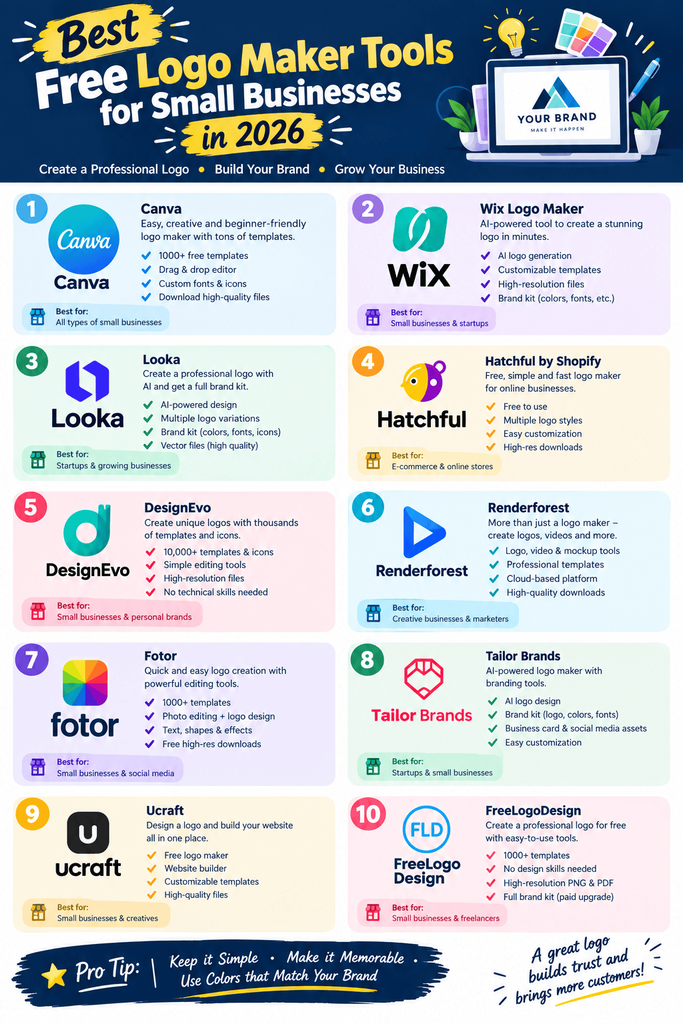
Comparison Table
| Tool | Price | Best Feature | Rating |
|---|---|---|---|
| Canva | Free–$15/mo | Usable free plan + full design suite | 4.6/5 |
| Looka | Free to design; $20+ to download | Strong AI-generated concepts | 4.5/5 |
| Hatchful | Free | Fully free, e-commerce focused | 4.0/5 |
| Namecheap Logo Maker | Free | Free SVG + PNG downloads | 4.1/5 |
| Adobe Express | Free–$10/mo | Deep customization tools | 4.4/5 |
| Wix Logo Maker | Free to edit | Unlimited free editing time | 4.0/5 |
| Squarespace Logo Maker | Free | No-paywall high-res downloads | 4.2/5 |
| BrandCrowd | Free to design; $15+ to download | Fast, polished ready-made designs | 4.1/5 |
| Tailor Brands | Free to design; paid to download | Full branding bundle | 4.0/5 |
| Fiverr Logo Maker | Low one-time cost | Clear commercial licensing | 4.2/5 |
Common Mistakes to Avoid
- Choosing an overly detailed design. Logos need to work at favicon size — if it’s unreadable shrunk down to 32×32 pixels, simplify it.
- Skipping the vector file. A PNG-only logo will look pixelated the moment you try to print it large on a banner or sign.
- Using a template without checking for overlap. Many free tools pull from shared libraries, so it’s worth a quick search to make sure your design isn’t already widely used by another business.
- Ignoring color contrast. Test your logo on both light and dark backgrounds before finalizing it — plenty of logos that look great on white disappear on dark app icons.
- Forgetting commercial usage rights. Some “free” downloads technically restrict commercial use — always check the license before printing it on products or signage.
Pros and Cons Summary
Pros of using a free or low-cost logo maker:
- Get a usable logo in minutes instead of weeks
- Saves significant money compared to hiring a designer
- Many tools let you regenerate endless variations until something fits
- Great starting point for validating a new business idea
Cons to keep in mind:
- Free tiers often restrict file formats or resolution
- Templates are shared, so uniqueness isn’t guaranteed
- Truly custom, trademark-safe branding usually still benefits from a human designer’s input eventually
Conclusion
You don’t need a big design budget to get a logo that looks credible from day one. If you want a completely free, no-catch option, start with Hatchful, Squarespace, or Namecheap’s Logo Maker. If you’re open to spending a small amount for a more distinctive result, Looka and Canva Pro are worth the upgrade.
Try two or three tools before settling — most let you experiment for free, so there’s no downside to comparing a handful of concepts before you commit to one.