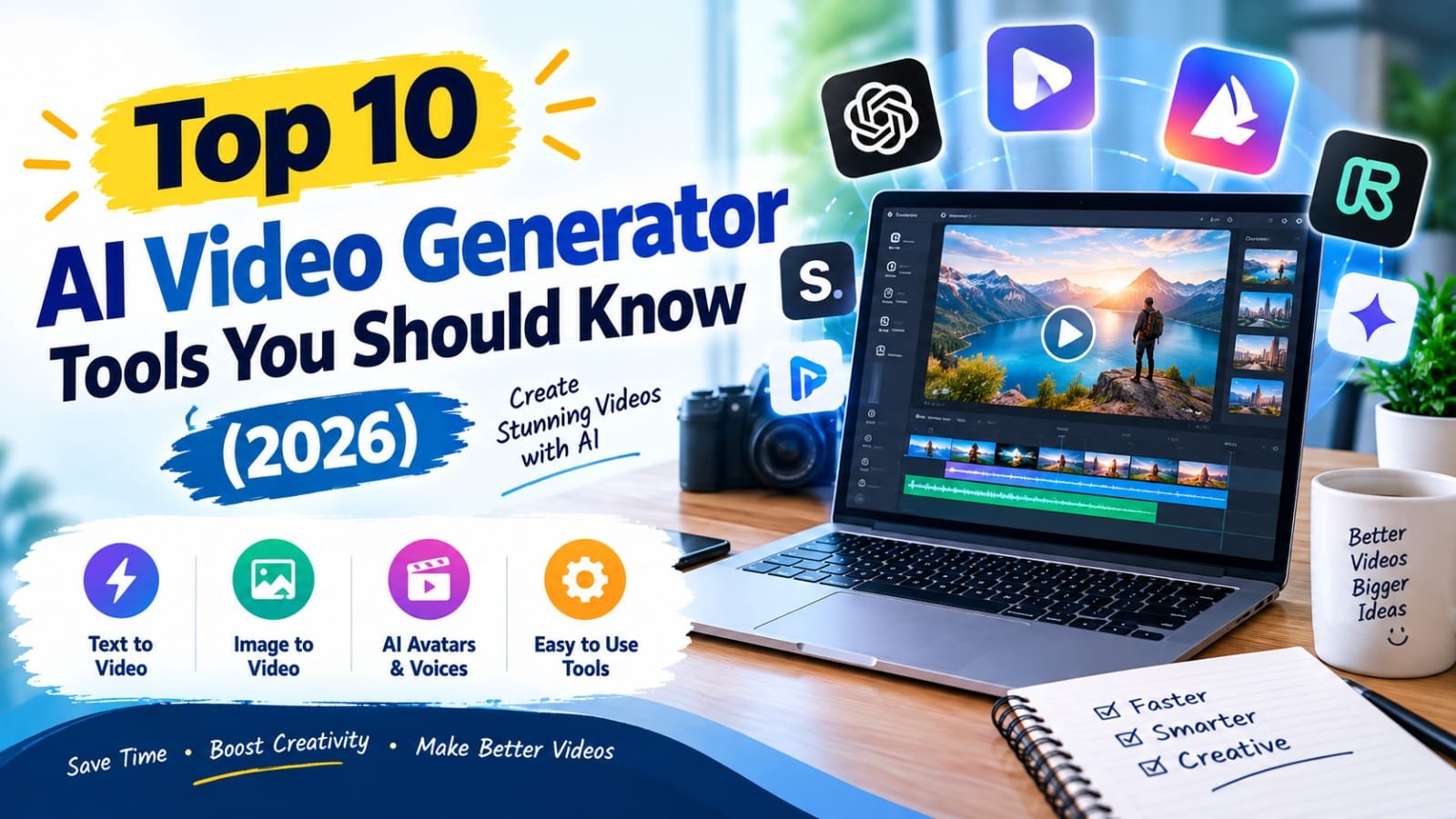
Ever had a great idea for a video — a product demo, a social media ad, a quick explainer — but no time, budget, or camera crew to actually make it happen? A few years ago, that idea would’ve just stayed an idea. Now, AI video generators can turn a script or a few prompts into a finished video in minutes, no filming or editing experience required.
This guide walks through the top AI video generator tools available right now, what each one is genuinely good at, and how to figure out which one fits your project — whether that’s a marketing ad, a YouTube explainer, or a social media clip.
What Is an AI Video Generator?
An AI video generator is a tool that creates video content from text prompts, scripts, or images using artificial intelligence — often combining AI avatars, voiceovers, and stock or generated footage automatically. For example, a small business owner could type out a script for a product announcement and have an AI tool generate a fully narrated video with an on-screen presenter, without ever picking up a camera.
Why AI Video Tools Matter in 2026
Video Is Still the Highest-Engagement Content Format
Across social platforms and websites, video consistently outperforms static images and text for engagement. AI tools have removed the biggest barrier — production cost and time — making video accessible to businesses and creators who couldn’t previously justify a video budget.
Who Benefits Most
Small business owners use AI video for ads and product demos without hiring a production team. Educators and course creators use it to turn written lessons into narrated video content. Marketers use it to rapidly produce multiple ad variations for testing.
Best AI Video Generator Tools (Reviewed)
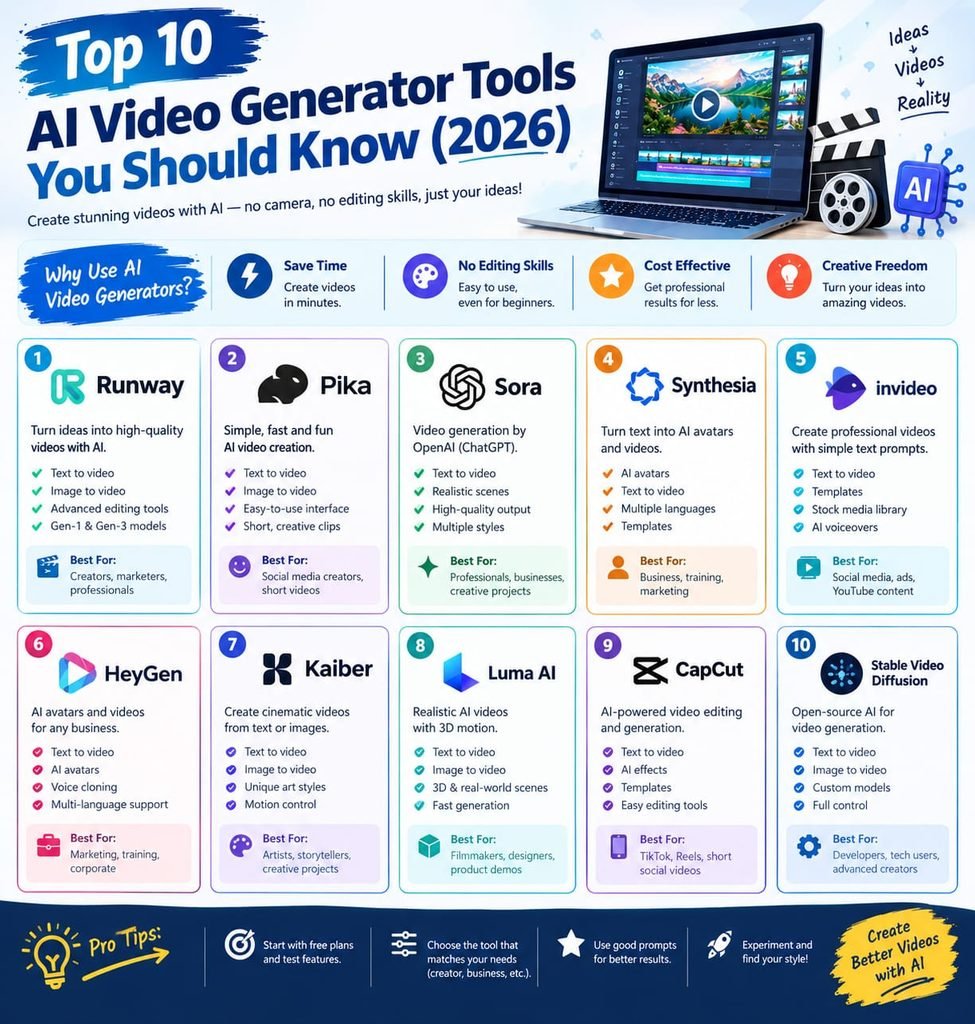
1. Synthesia
Features: AI avatars that narrate scripts in over 100 languages, customizable templates for training and marketing videos. Pros: Extremely polished AI presenters, great for corporate and training content. Cons: No permanent free tier for full-length exports; pricing scales with video minutes. Price: Free trial; paid plans by minutes/month. Best for: Corporate training videos and multilingual explainer content.
2. Runway
Features: Text-to-video and image-to-video generation, along with AI-powered video editing tools like background removal. Pros: Strong creative control for more artistic or experimental video projects. Cons: Learning curve is steeper than avatar-based tools. Price: Free tier with limited credits; paid plans for more generation time. Best for: Creative and experimental video content, not just corporate explainers.
3. Pictory
Features: Converts long-form content (blog posts, scripts) into short branded videos automatically, with auto-captioning. Pros: Great for repurposing existing written content into video without starting from scratch. Cons: Less flexibility for fully custom, from-scratch creative video. Price: Paid plans only, with a limited trial. Best for: Repurposing blog posts and articles into video content.
4. InVideo
Features: Template-based AI video creation with a large library of stock footage and AI script-to-video features. Pros: Fast for social media content thanks to ready-made templates. Cons: Some premium stock assets require a paid plan. Price: Free tier with watermark; paid plans remove watermark and unlock assets. Best for: Quick social media videos using proven templates.
5. HeyGen
Features: AI avatar video generation with voice cloning and multilingual dubbing. Pros: Strong avatar realism, useful for personalized video messages at scale. Cons: Free tier is limited to a small number of short videos. Price: Free tier (limited); paid plans for more minutes and avatars. Best for: Personalized video messages and multilingual content.
6. Pika
Features: Text-to-video and image-to-video generation focused on short, stylized clips. Pros: Good for short creative clips and social content with a distinct visual style. Cons: Less suited for longer, narrative-driven videos. Price: Free tier with limited generations; paid plans for more. Best for: Short, stylized social media clips.
7. Descript
Features: Edits video by editing the transcript text, plus AI voice cloning (“Overdub”) and filler-word removal. Pros: Uniquely intuitive editing style — cut video by deleting text. Cons: Best suited to talking-head and podcast-style video rather than fully generated scenes. Price: Free tier with limits; paid plans unlock more transcription minutes. Best for: Podcasters and creators editing talking-head video content.
8. Colossyan
Features: AI avatar-based video creation aimed at corporate training and internal communications. Pros: Strong focus on business use cases like onboarding and compliance training. Cons: Less suited for creative or entertainment-style video content. Price: Free trial; paid plans by usage. Best for: Corporate training and internal communication videos.
9. Kapwing
Features: Browser-based video editor with AI tools for subtitles, background removal, and smart trimming. Pros: Combines traditional editing with AI-assisted shortcuts in one accessible tool. Cons: Free tier includes a watermark on exports. Price: Free tier (watermarked); paid plans remove watermark. Best for: Quick edits and captioning for social media content.
10. Fliki
Features: Converts text or blog content into videos with AI voiceovers and stock visuals, similar to Pictory but with a strong focus on voice quality. Pros: Wide selection of natural-sounding AI voices across many languages. Cons: Free tier limits monthly video minutes. Price: Free tier (limited); paid plans for more minutes. Best for: Voice-heavy content like narrated articles or audio-first videos.
How to Choose the Right Tool
Factor 1: Type of Content You’re Making
Avatar-led corporate content points toward Synthesia or HeyGen, while creative or experimental clips are better suited to Runway or Pika.
Factor 2: Starting Point — Script, Blog, or Blank Page
If you’re repurposing existing written content, Pictory or Fliki save the most time. If you’re starting from a blank page with a creative concept, Runway offers more flexibility.
Step-by-Step: How to Create an AI-Generated Video
Step 1: Prepare Your Script or Prompt
Write a clear script (for avatar tools) or a descriptive prompt (for text-to-video tools) — the more specific, the better the output.
Step 2: Choose a Template or Style
Select an avatar, visual style, or template that matches your brand or intended tone.
Step 3: Generate, Review, and Edit
Generate the video, then review for any awkward pacing, mispronunciations, or visual glitches before adding captions and exporting.
Comparison Table
| Tool | Price | Best Feature | Rating |
|---|---|---|---|
| Synthesia | Trial / paid | Realistic AI avatars | 4.6/5 |
| Runway | Free (limited) / paid | Creative text-to-video | 4.5/5 |
| Pictory | Paid (trial) | Blog-to-video conversion | 4.3/5 |
| InVideo | Free (watermark) / paid | Template library | 4.4/5 |
| HeyGen | Free (limited) / paid | Voice cloning + dubbing | 4.5/5 |
| Pika | Free (limited) / paid | Stylized short clips | 4.2/5 |
| Descript | Free (limited) / paid | Transcript-based editing | 4.6/5 |
| Colossyan | Trial / paid | Corporate training focus | 4.2/5 |
| Kapwing | Free (watermark) / paid | Browser-based quick edits | 4.3/5 |
| Fliki | Free (limited) / paid | Natural AI voiceovers | 4.3/5 |
Common Mistakes to Avoid
- Skipping the script stage. Jumping straight to generation without a clear script leads to disjointed, unfocused videos.
- Overusing default avatars. Generic AI presenters can feel impersonal — customize voice, tone, and branding where possible.
- Ignoring captions. A large share of social video is watched with sound off, so captions significantly boost watch time.
- Not reviewing for errors. AI narration can mispronounce names or technical terms — always review before publishing.
Pros and Cons Summary
Pros: Dramatically reduces video production time and cost, no filming or editing experience required, multilingual features open up global audiences instantly, great for testing multiple ad variations quickly.
Cons: Free tiers often include watermarks or limited minutes, AI avatars can still feel slightly robotic in tone or expression, more creative or complex projects may still need traditional editing, quality varies significantly between tools and use cases.
Conclusion
AI video generators have made it realistic for almost anyone to produce professional-looking video content without a studio or production budget. Start by matching the tool to your actual content type — avatar-led for business, creative tools for experimental content — and treat your first video as a test run rather than a final product. Try one of the free tiers above today and see how quickly you can turn a script into a finished video.